
Lantern by RepairTech
Lantern finds the problems. Your shop gets the call.
Lantern is a small app with your shop's name on it that lives on your customers' computers. It keeps an eye out for the problems that end in a repair, and when it finds one it tells your customer, in your name, with a button that reaches you.
No card needed. Windows and Mac.
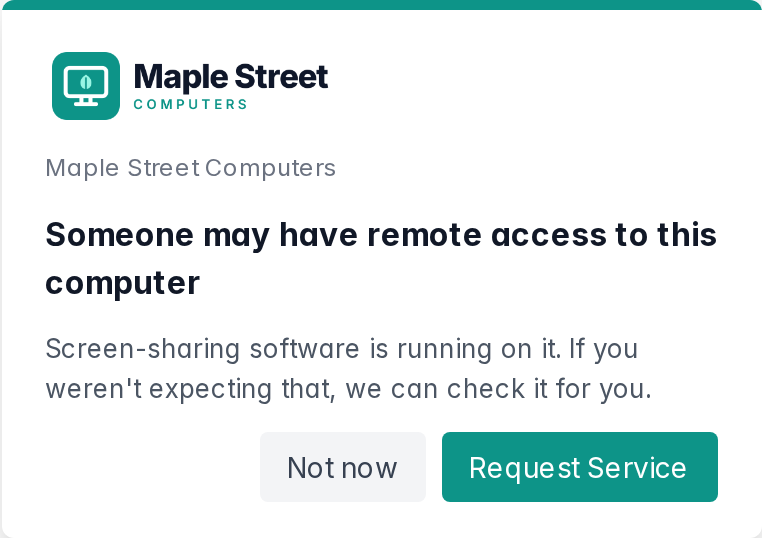
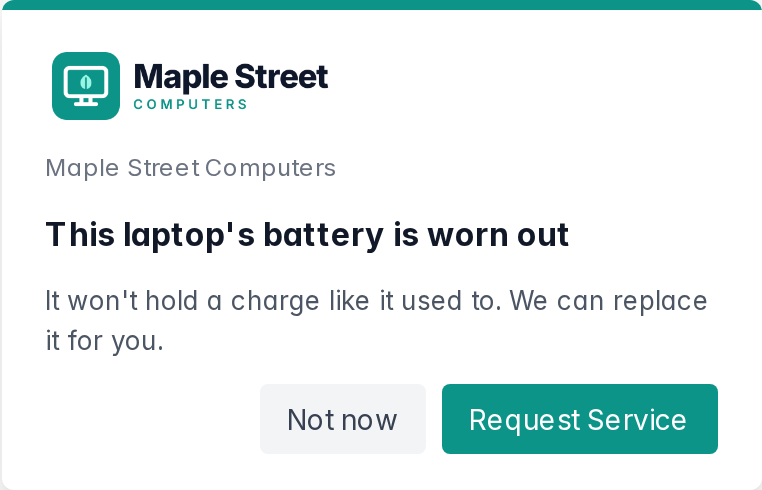
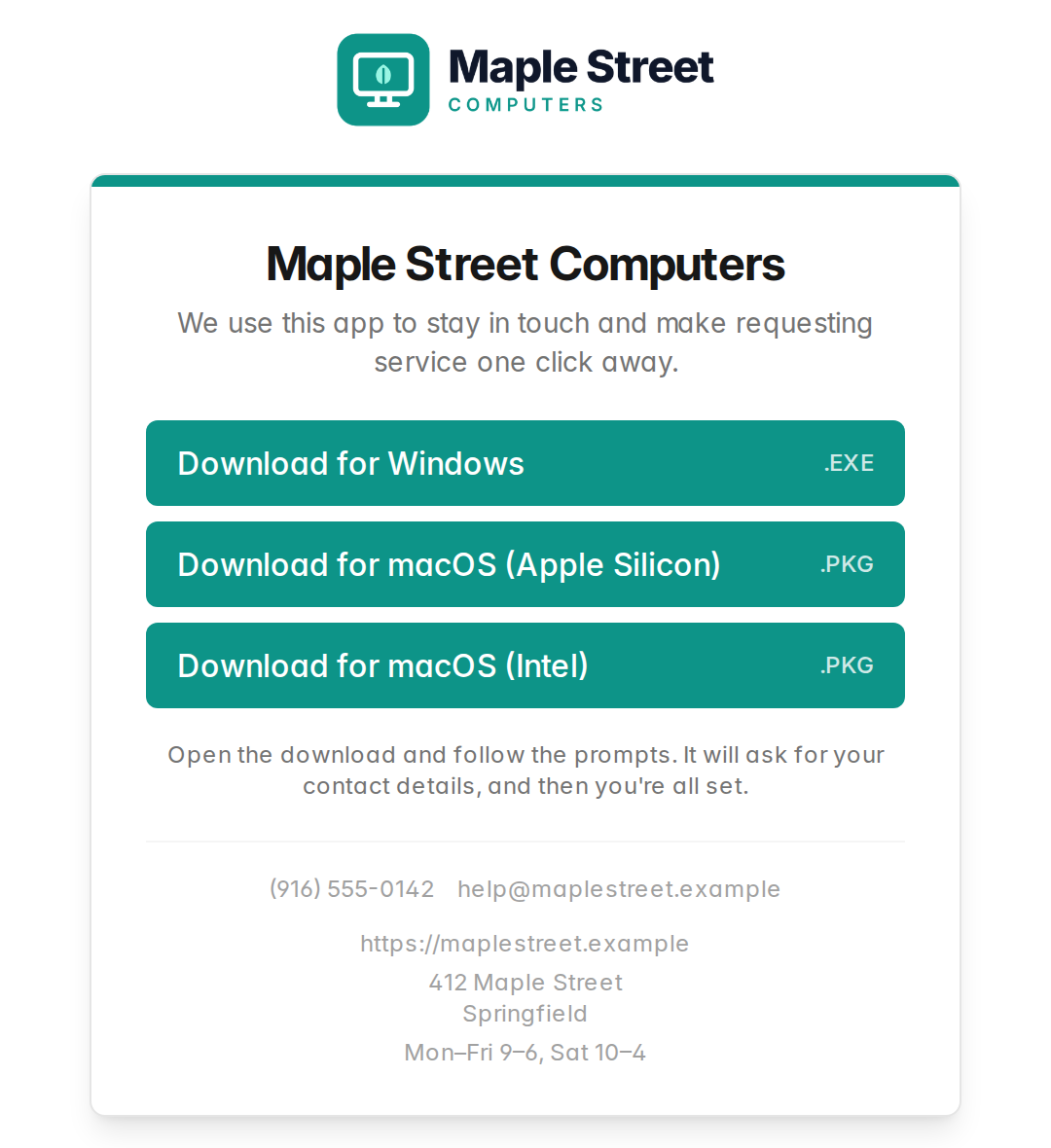
What your customer sees, in your shop's name and colors. The shop is an example.
How it works
Your shop, one click away on every computer you fix
Most customers only think about their computer shop when something has already gone wrong. Lantern gets you in earlier, while there's still time to save the files.
-
1
Make it yours
Add your shop's name, logo, colors, phone number and hours. Lantern builds Windows and Mac installers with your shop already connected.
-
2
Install it at checkout
Put it on every machine that leaves your bench, or send customers your branded download link. No code to type, nothing to configure.
-
3
Lantern keeps watch
Every few hours it checks the things that turn into repairs. When it finds one, it tells your customer calmly, at most once a day.
-
4
Your shop gets the call
They click Request Service and it lands in your inbox with the problem attached. Problems nobody's reported show up on your dashboard, so you can call first.
What Lantern watches for
Every check is a reason to call your shop
Lantern doesn't fill your customers' screens with scores and graphs. Each thing it looks for is a problem your shop can actually fix, told in plain words.
- Remote access software Windows & Mac
-
Screen-sharing tools like AnyDesk and TeamViewer running on a home computer, often the first sign of a support scam in progress.
“Someone may have remote access to this computer”
- Drive health Windows & Mac
-
Early warning signs from the drive itself, so you can copy the files off before it stops.
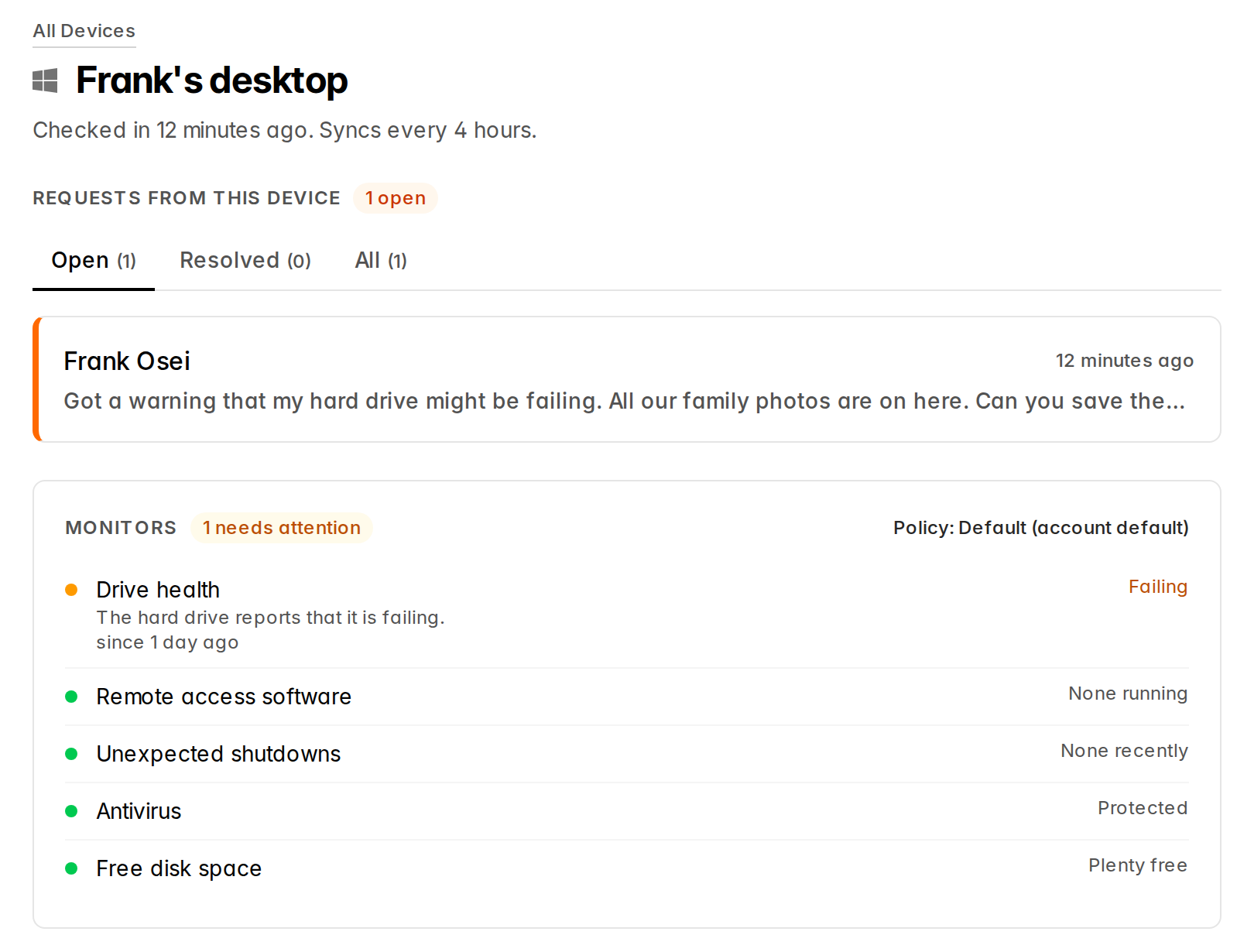
“This computer's hard drive may be failing”
- Unexpected shutdowns Windows & Mac
-
Blue screens and kernel panics. Holding the power button down doesn't count.
“This computer has been crashing”
- Antivirus Windows
-
Whether Windows Security reports protection that's switched on and up to date.
“This computer isn't protected”
- Disk encryption Mac
-
Whether FileVault is protecting the files if the Mac is lost or stolen.
“The files on this Mac aren't encrypted”
- Free disk space Windows & Mac
-
A drive that's nearly full, which slows everything down and stops updates installing.
“This computer is running out of space”
- Battery health Laptops
-
A battery that holds much less than it did new. You set the threshold; the default is 80%.
“This laptop's battery is worn out”
You decide which checks pop up for your customers, and set their thresholds, for each customer or each device. Every check still reports to your dashboard either way.
Catch a scam in the act
When a stranger gets on a customer's computer, you'll know.
Fake tech support scams start the same way: someone talks your customer into installing remote access software. Lantern recognizes 17 of these tools, including AnyDesk, TeamViewer, UltraViewer, ScreenConnect, LogMeIn, Splashtop, RustDesk and four flavors of VNC.
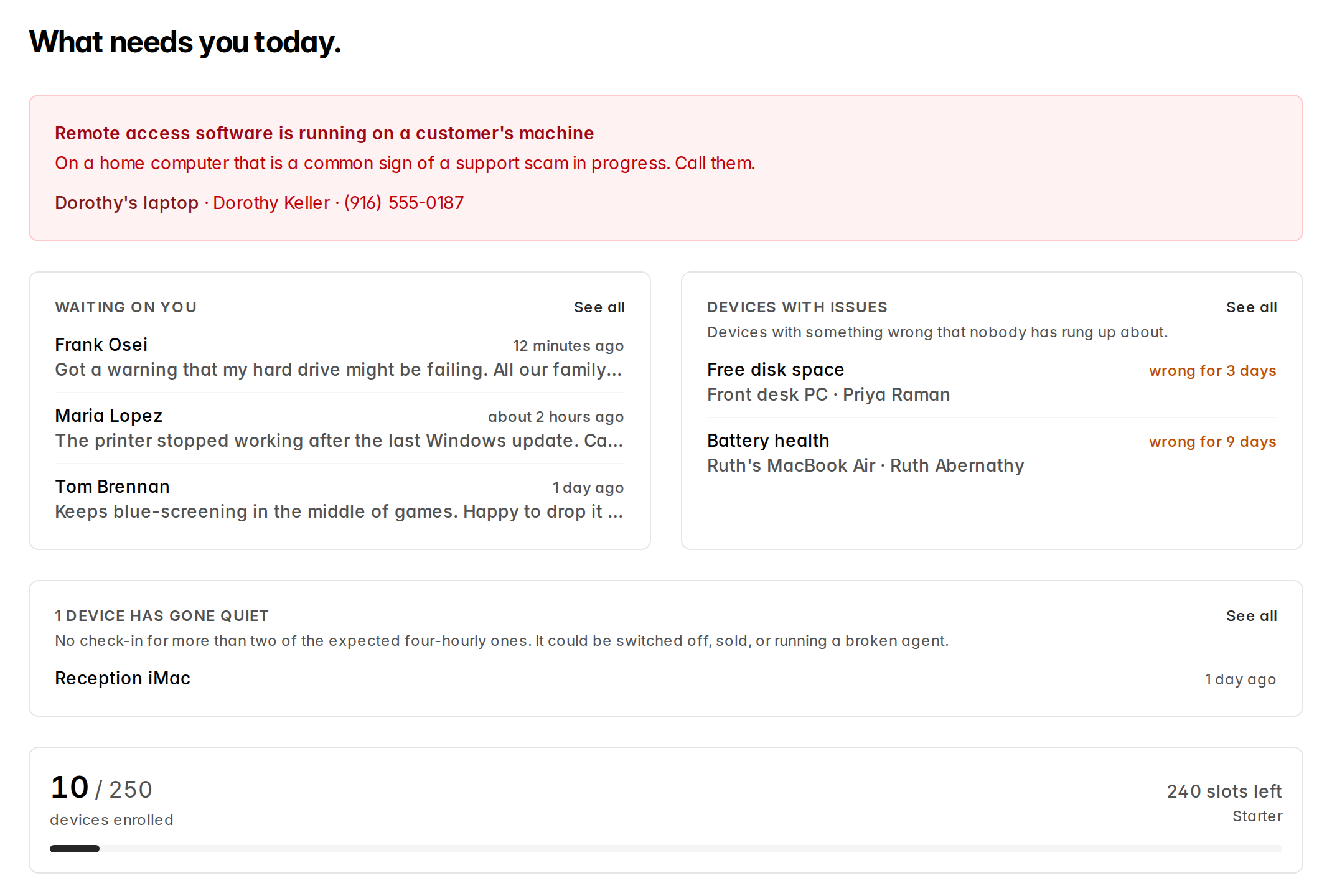
When Lantern finds one running, your customer gets a gentle heads-up and your dashboard shows a warning at the top: call them. Mark the tools your own shop uses, and your sessions won't set it off.
Both sides of the counter
Simple for your customer. Useful for your shop.
What your customer gets
- Your shop in the tray
- An icon in the Windows tray or Mac menu bar with your shop's name, a Request Service button, and any links or details you add, like your phone number.
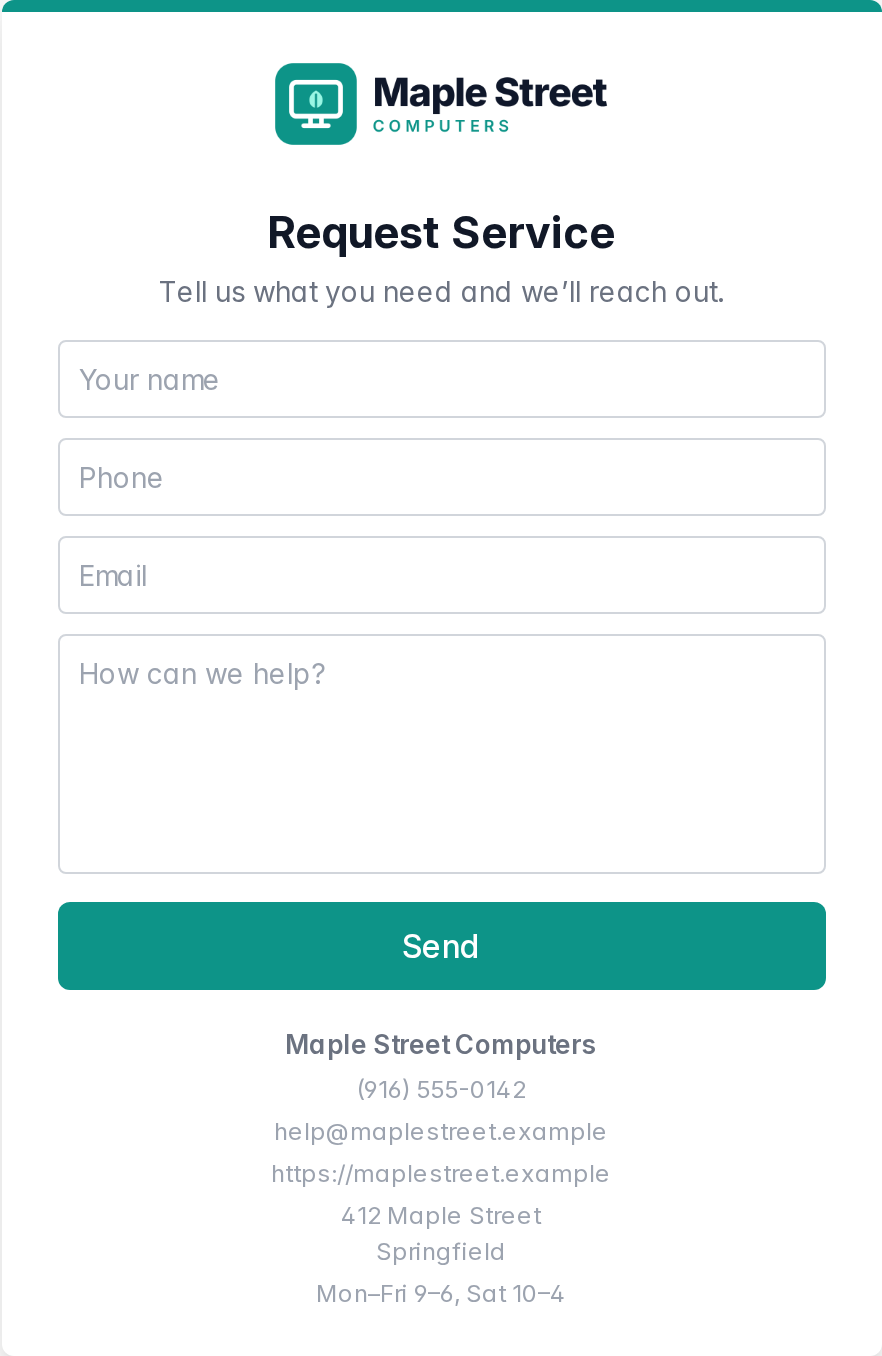
- A simple request form
- Name, phone, email and "How can we help?", with your contact details and hours underneath. If they're offline, it sends when they reconnect.
- Warnings that don't shout
- A small note in the corner of the screen, at most once a day, written to reassure rather than alarm.
- A reminder you're there
- If they haven't needed you in a while, Lantern gently reminds them your shop is one click away. You choose how often, from a week to a year.
What your shop gets
- A dashboard that says what needs you today
- Scam warnings, open requests, devices with problems nobody has called about, and machines that have gone quiet.
- Requests with the context attached
- Every request shows which problem prompted it, and whatever else is wrong with that machine, before you pick up the phone.
- Email, only when it matters
- New requests go to whoever you choose, and a daily or weekly digest arrives only when a device is alerting or a request is still open.
- Groups and policies
- Organize devices by customer or site, note what each customer is sold, and tune the checks per group or per device.
Your brand, front and center
Your shop's name on every screen.
On every plan, including Free, the alerts, the Request Service window and your download page all show your shop's name, phone, email and hours, so your customer always knows who to call. Paid plans add your logo, your colors and your own tray icon, so it looks like your shop's app.
Set it up once, and preview exactly what your customers will see before any of them do.
Into the tools you already use
Send new and resolved requests to a Slack channel, to Zapier and on into your PSA, or to anything that accepts a webhook. Slack messages come formatted and ready to read.
Private by design
Lantern isn't remote access: you can't see your customer's screen, open their files or control their computer through it. It never sends file contents, what they type, the websites they visit, or their passwords.
What it's worth to your shop
Every call Lantern brings in is a repair you'd otherwise miss
Put in your numbers and see what Lantern could bring back to your bench.
Your estimate
Lantern pays for itself after 1.90 repairs.
- Repair jobs a year
- 190
- Repair revenue a year
- $22,800
- Lantern plan
- Starter $19/month
- Return on Lantern
- 100.0×
Lantern costs $228 a year at this size.
Pricing
Free until your shop outgrows it
Priced by device, not by technician. One computer is one device, however many people use it.
Free
Up to 10 devices
Free, no card needed.
$0
Start free- Every health check
- Request Service button on every device
- Dashboard, requests inbox and digest email
- Your shop's name, phone, email and hours on every screen
Starter
Most shops
Up to 250 devices
Your logo and colors on every screen.
$19 /month
Get started- Everything in Free
- Your logo and accent color on every window
- Your own tray and desktop icons
- Your logo and colors on your download page
Growth
Up to 1,000 devices
For shops with a big customer base.
$49 /month
Get started- Everything in Starter
- Room for 1,000 devices
Unlimited
Unlimited devices
No device cap.
$99 /month
Get in touch- Everything in Growth
- No device limit
Start free with up to 10 devices. Upgrade when your shop outgrows it.
Frequently asked questions
Is Lantern remote access software?
No. Lantern can’t show you your customer’s screen, open their files or control their computer. It runs its health checks, reports the results to your dashboard, and gives your customer a way to reach you. Keep using whatever remote support tool you use today, and tell Lantern it’s yours so it doesn’t flag your own sessions.
What computers does it run on?
Windows (64-bit) and macOS, on both Apple silicon and Intel Macs. Everything Lantern needs is in the installer, so there’s nothing else to install first.
Will it pester my customers?
No. Your customer sees at most one pop-up a day, and it’s written to reassure rather than alarm. You choose which checks pop up at all, for each customer or each device. Every check still reports to your dashboard.
How quickly will I hear about a problem?
Lantern checks in about every four hours. A Request Service click reaches your inbox straight away, or on reconnect if the computer was offline when they sent it.
Is there a free trial?
The Free plan is the trial, and it doesn’t expire. Put Lantern on up to 10 devices with no card, and upgrade when you want your own logo and colors, or more room.
What counts as a device?
One computer is one device, however many people sign in to it.
Can Lantern carry my shop's branding?
Yes. On every plan, including Free, your customers see your shop’s name, phone, email, website, address and hours on every Lantern window and on your download page, so they always know who to call. Paid plans add your logo, your accent color and your own tray and desktop icons. You can set those up while you’re on Free, and they switch on when you upgrade.
Does it work with my PSA?
Not directly yet. Lantern can send every new, resolved or reopened request to a webhook: a Slack channel, Zapier, or anything else that accepts one. Zapier can pass requests on to most PSAs. Slack links are recognized and get nicely formatted messages.
What information does Lantern collect?
The results of its checks, the basics about the computer (its name, who’s signed in, whether it’s a laptop or desktop, operating system, processor, memory, drive, and antivirus), and the contact details your customer gives it. It never sends file contents, what they type, the websites they visit, their screen, or passwords, and nothing is sold or shared with advertisers.
What happens if I cancel?
Lantern goes to sleep on your customers’ computers but stays installed. Nothing is deleted, and if you subscribe again every device wakes back up on its own.
Put your shop on every computer you fix.
Start with 10 devices free, no card needed. Upgrade when you want your own logo and colors, or more room.